

MOVE these files from C:\Genshin Impact\Genshin Impact Game
Audio_English(US)_pkg_version
config.ini
debug.log
driverError.log
DumpFile-zfbrowser-20240227-172719.dmp
DumpFile-zfbrowser-20240302-151320.dmp
GenshinImpact.gc.log
HoYoKProtect.sys
mhypbase.dll
pkg_version
upload_err.log
And a folder called staging
Now start the game and choose CHINA SERVER
The game should start downloading resources.
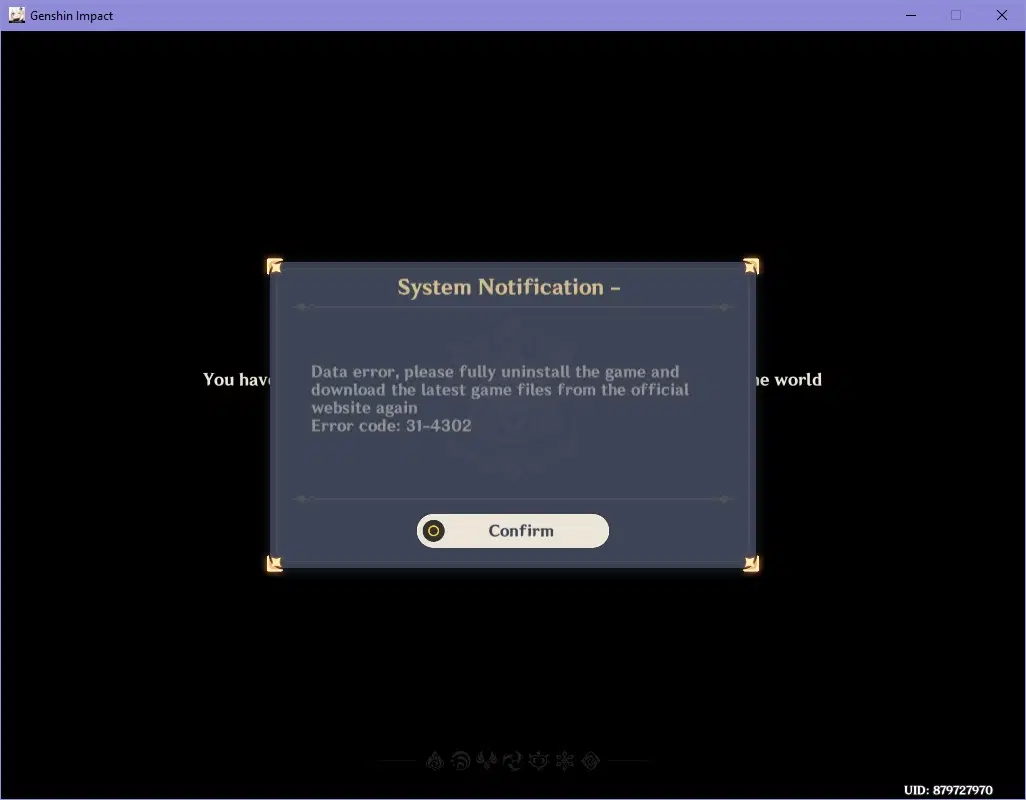
I got data error after going in and out my teapot